Liferay
Explore Common Components in React TypeScript with Liferay’s

Bhavin Panchani•Nov 10, 2023
Introduction
In the fast-paced world of web development, efficiency is key. Building web applications often involves creating reusable UI components to maintain consistency and save development time. In this guide, we’ll explore the process of Explore Common components in React TypeScript projects with Liferay, a robust platform for web application development.
We’ll be building two modules, each serving a specific purpose.
common_module_web
subject_web
Let’s create the modules following the steps outlined in the provided reference link:
Creating a Liferay Portlet using TypeScript React.
Setting Up the Foundation: common_module_web:
- Install React Vite.
1npm install vite- Install @vitejs/plugin-react
1npm install @vitejs/plugin-react- Create a ‘vite.config.ts’ file.
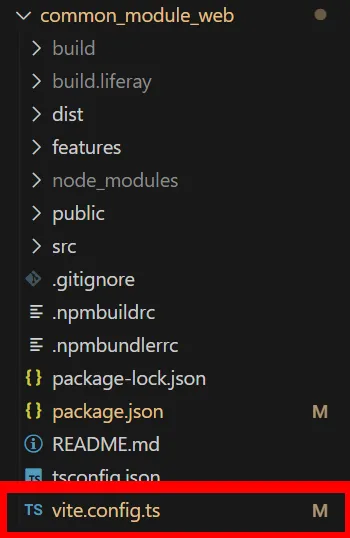
- Write down the following code in the ‘vite.config.ts’ file for building the ‘dist’ folder configuration.
1// vite.config.ts
2  import { UserConfigExport, defineConfig } from "vite";
3    import react from "@vitejs/plugin-react";
4    import path from "node:path";
5    import { name } from "./package.json";
6
7    const App = async (): Promise<UserConfigExport> => {
8    return defineConfig({
9        server: {
10        port: 8080, // Your localhost port number
11        host: "localhost",
12        },
13        plugins: [react()],
14        publicDir: false,
15        build: {
16        lib: {
17            entry: path.resolve(__dirname, "src/lib/index.ts"),
18            name,
19            formats: ["es", "umd"],
20            fileName: (format) => `${name}.${format}.js`,
21        },
22
23        rollupOptions: {
24            external: [
25            "react",
26            "react-dom",
27            "@mui/material",
28            "@mui/x-data-grid-pro",
29            ],
30
31            output: {
32            globals: {
33                react: "React",
34                "react-dom": "ReactDOM",
35                "@mui/material": "@mui/material",
36                "@mui/x-data-grid-pro": "@mui/x-data-grid-pro",
37            },
38            },
39        },
40        },
41    });
42    };
43
44 export default App;- Create a tsconfig.node.json file in your root folder
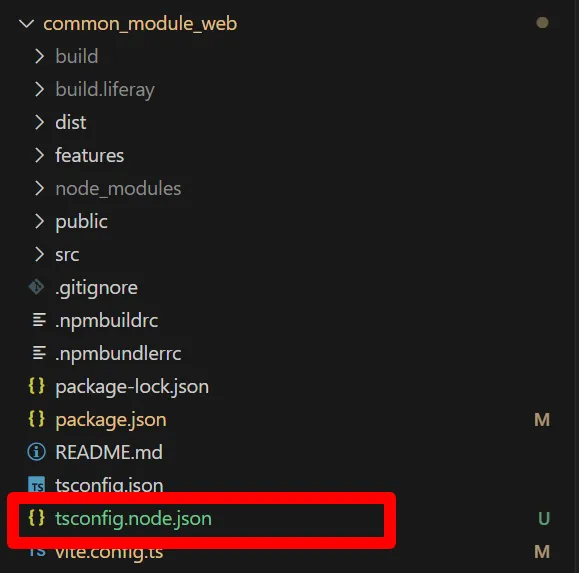
- Write down the following code in the ‘tsconfig.node.json’ file
1// tsconfig.node.json
2{
3  "compilerOptions": {
4    "composite": true,
5    "skipLibCheck": true,
6    "module": "ESNext",
7    "moduleResolution": "bundler",
8    "allowSyntheticDefaultImports": true
9  },
10  "include": ["vite.config.ts", "package.json"]
11}- Generate the dist build folder:
1npx vite build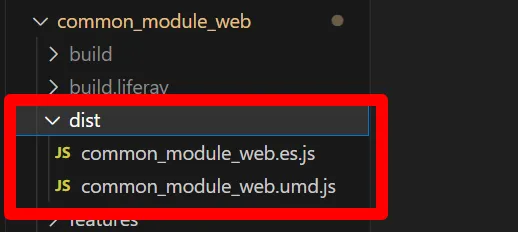
- Update ‘package.json’ to include the dist folder configuration:
1// package.json
2"files": [
3    "/dist"
4  ],
5  "main": "./dist/common_module_web.umd.js",
6  "module": "./dist/common_module_web.es.js",
7  "exports": {
8    ".": {
9      "import": "./dist/common_module_web.es.js",
10      "require": "./dist/common_module_web.umd.js"
11    }
12  },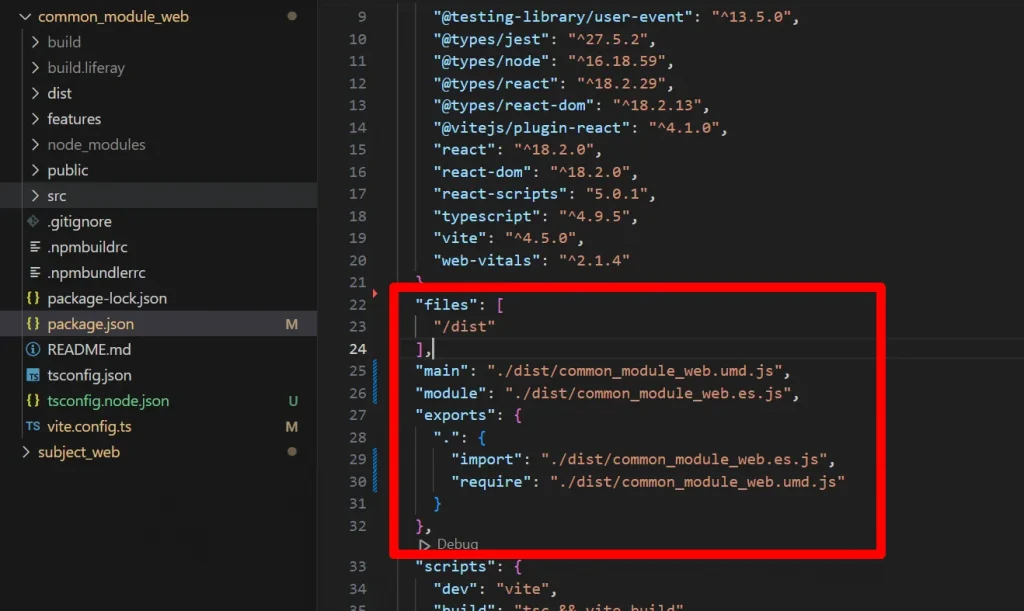
- Create a folder lib and components like the below image, and create the HelloWorld.tsx file in the Components folder.
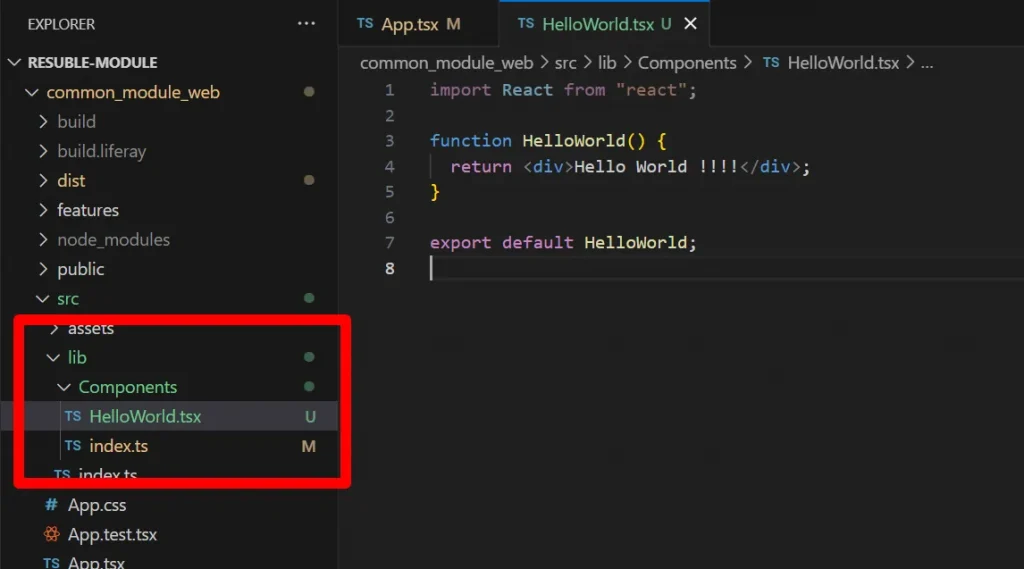
- Export the HelloWorld.tsx file in an index.ts file like the below image.
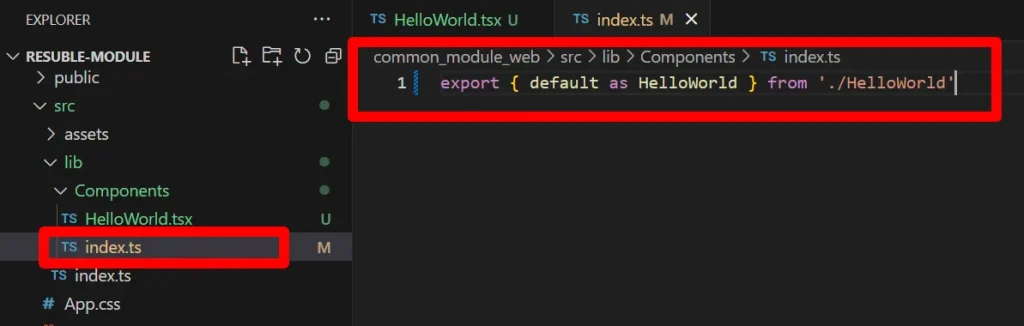
- By running the below command, the dist folder will update.
1npx vite build- Create a git repository for your common_module_web.
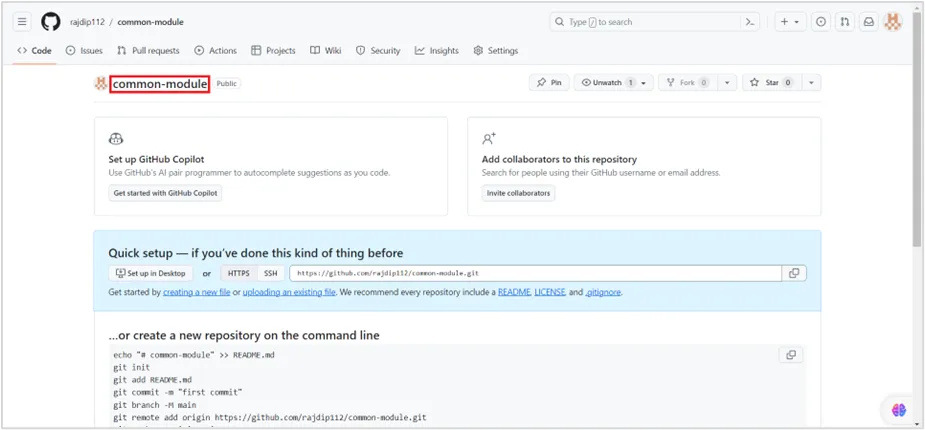
- Now commit your code.
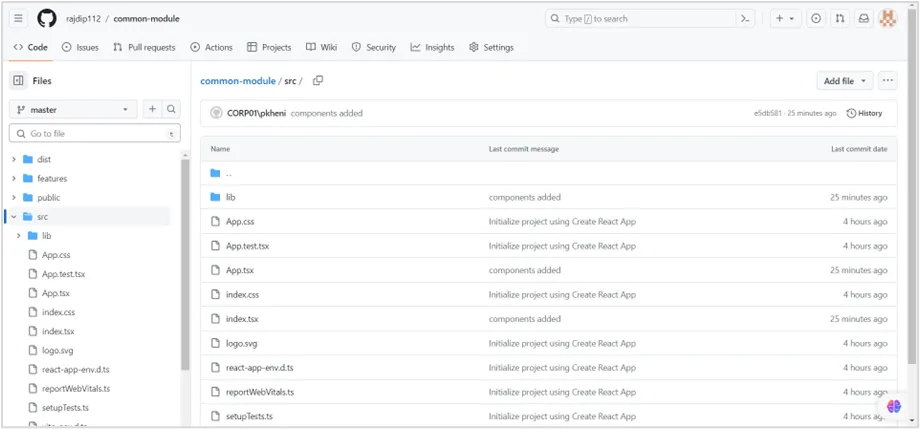
- Add a repository link. Write down the below code package.json file:
1// package.json
2 "repository": {
3    "type": "git",
4    "url": "https://github.com/rajdip112/vite-module.git"
5  },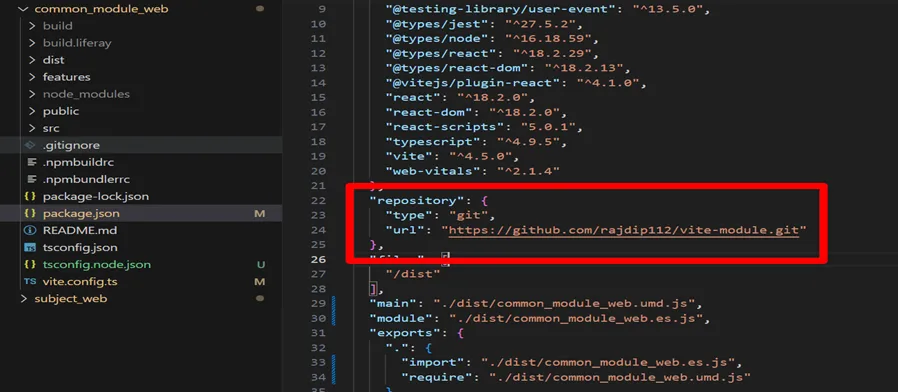
Setting Up the Foundation: subject_web:
- In package.json file, add git link for common_module_web.
1"common_module_web": "git+https://github.com/rajdip112/common-module.git",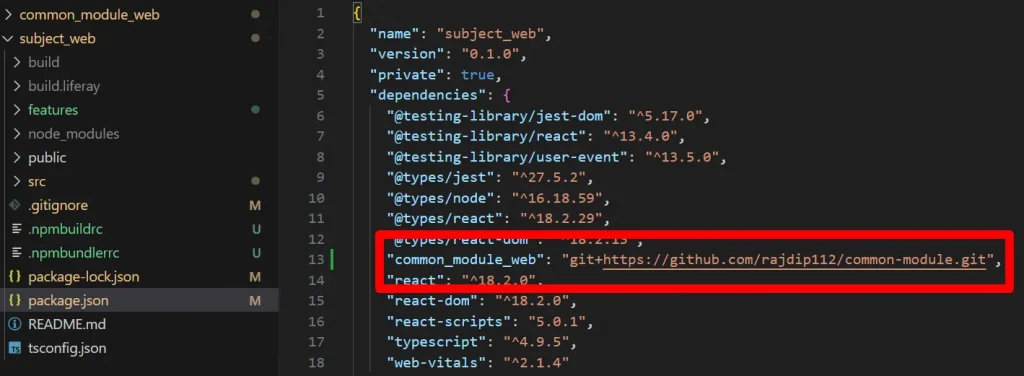
- Install common_module_web in subject_web.
1npm install common_module_web- Declare common_module_web in react-app-env.d.ts file.
1declare module 'common_module_web'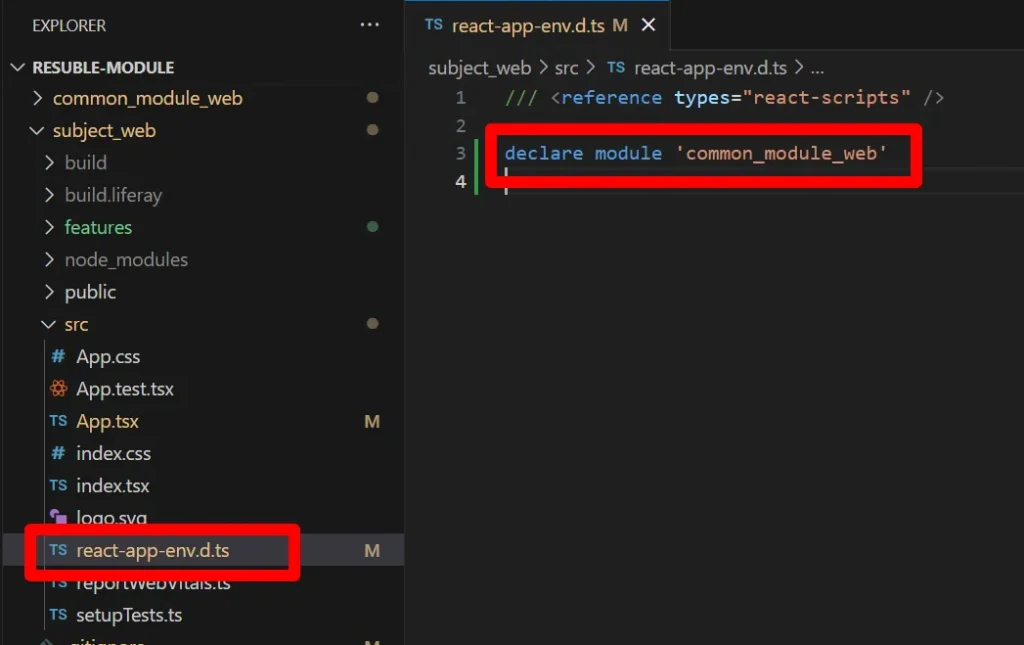
- Use the ‘HelloWorld’ component from ‘common_module_web’ in the below way:
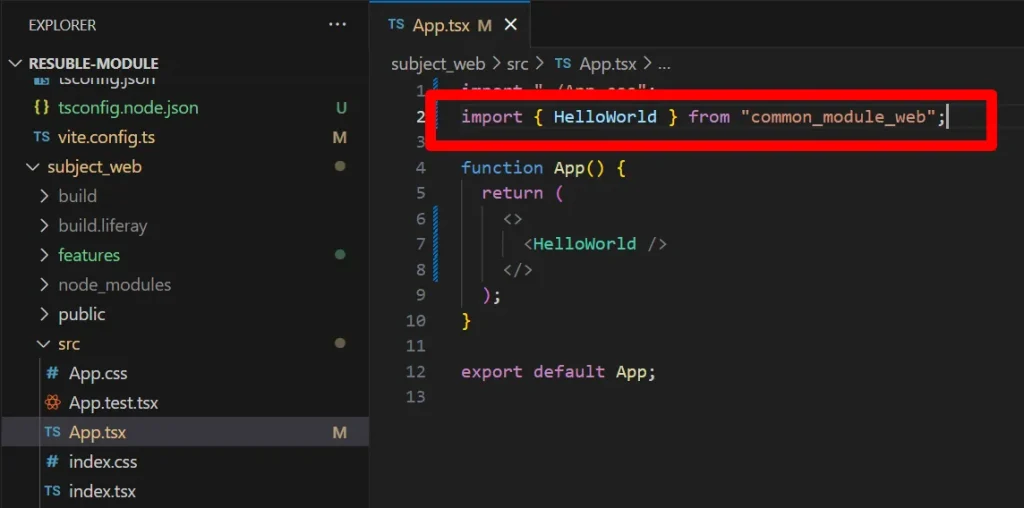
- Deploy subject_web module.
1npm run deploy- Drag and Drop the subject_web module.
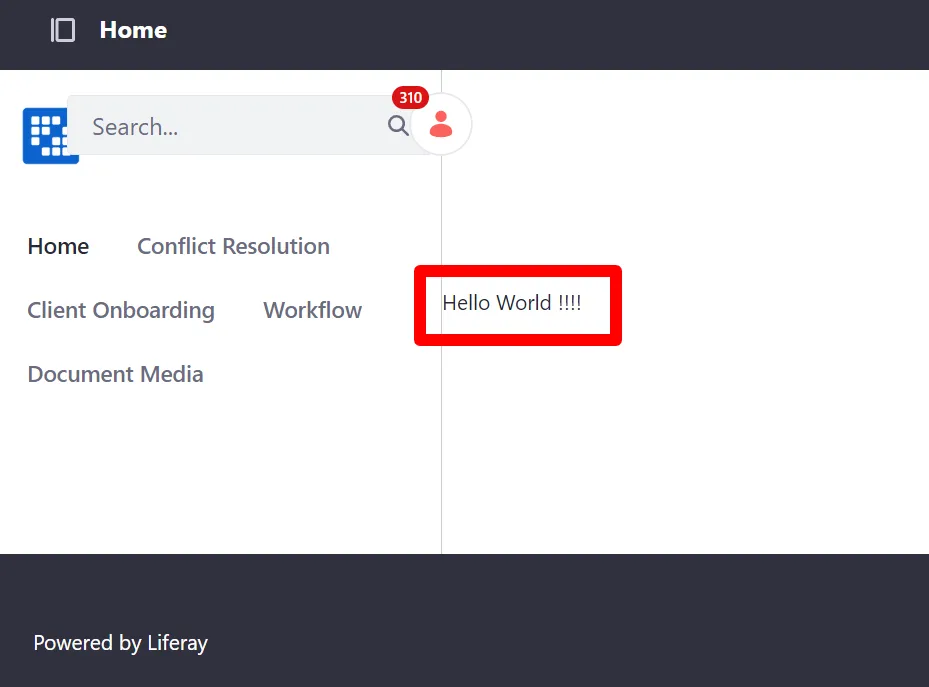
Note : Whenever a change is made in the common_module_web module, follow the below steps:
- In common_module_web module’s terminal.
11. npx vite build
22. Commit the code to the respective repository.- In subject_web module’s terminal.
11. npm update common_module_web
22. npm run deploy


