Rendering Data using Liferay Object and Collection Provider

Introduction:
Collection Provider can display collections represented by Object Entries. With the aid of Liferay Objects and Collection Provider, any actual entity, complete with all of its attributes, may be presented as content. For instance, an object is a real-world entity, such as an employee. The properties that an employee needs are an employee ID and name. The attributes of this entity can be described as the Object Fields, and it can be stored as a Liferay object. Without creating any code, we may display it as some content on a page by using an asset publisher template.
Prerequisites:
- Liferay DXP/Portal 7.4+
Liferay Objects
One of the most potent features offered by Liferay 7.4 is Liferay Objects. Data can be stored and processed using Liferay objects. With Liferay Objects, applications can be created without writing any code.
Collection Provider
Collection providers organize items into groups so that they can be used for display purposes. Liferay provides several collections of OOTB or they can be created using Information Framework.
Creating Object Entries for Collections
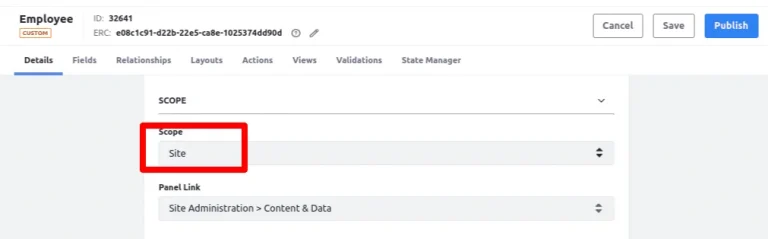
- Create a Site-level object and add a few object fields.
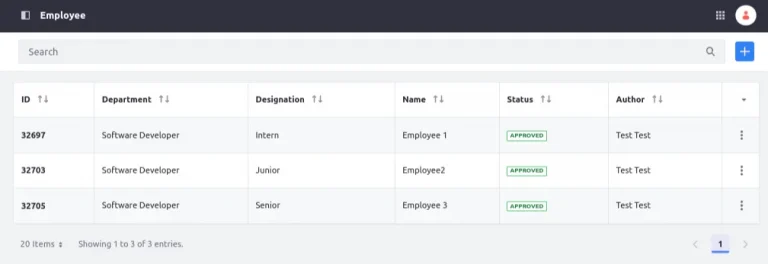
- Insert a few sample entries inside the object.
Publishing and Collection Provider
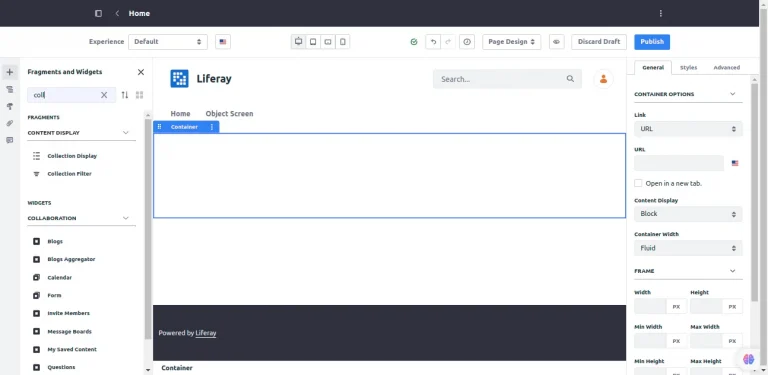
- On a page, add a Collection Display
- Click on the (+) icon to select the collection.
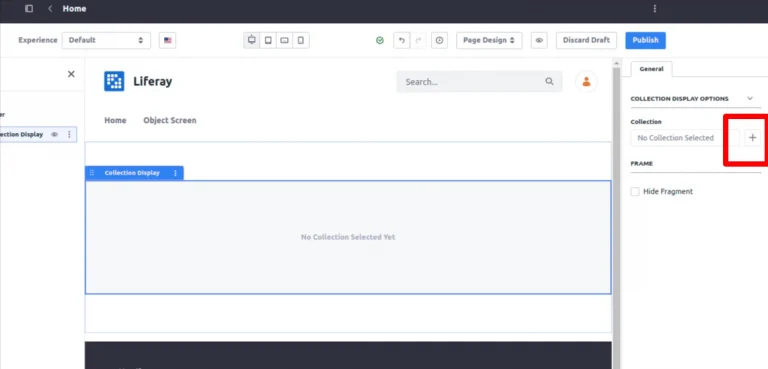
- From the collection provider tab, select the collection.
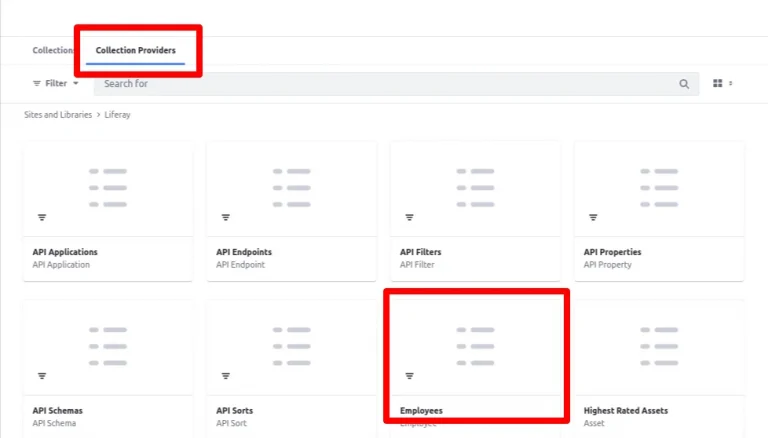
- The object entries of the collection are visible now.
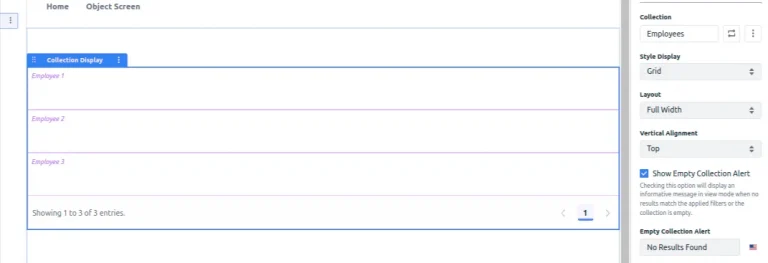
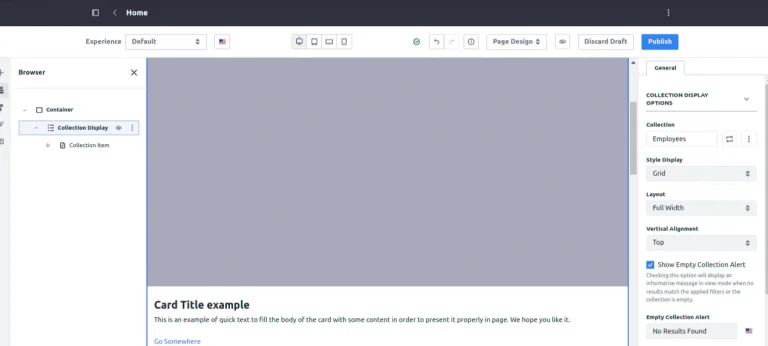
- Select ‘card’ from the fragments, and deploy it over the collection provider. Using this, the layout of the collection provider can be changed.
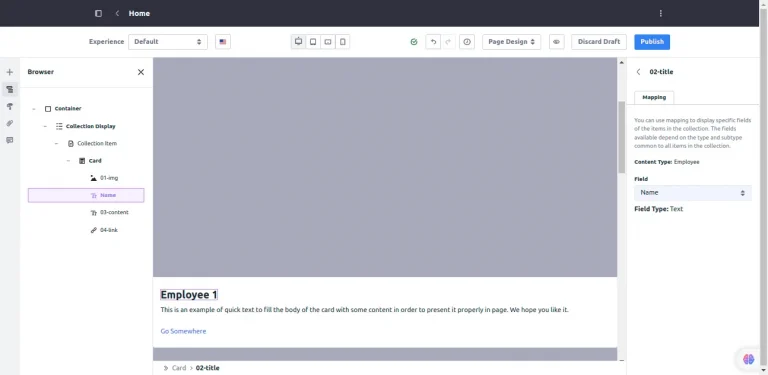
- Double-clicking on the text can map the text value to the collection’s value.
- Style display can also be changed.
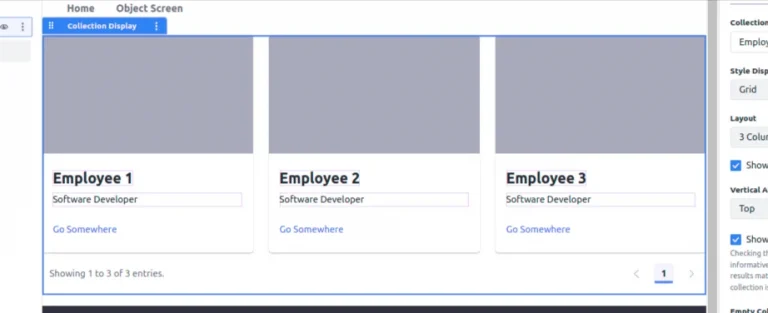
- Likewise, the look and feel of the page can be altered by adding different elements and styles.


