Integration of Alfresco with Liferay

Introduction
Businesses these days need content and a nice experience. Alfresco is a platform for managing documents and keeping them safe. It helps with workflows. Keeping track of records. Liferay is a platform that helps create websites and portals for companies.
When you connect Alfresco and Liferay using CMIS, you get the best of both worlds. You can store documents in Alfresco. Show them on Liferay. This way, you do not have to make copies of documents. Everything stays in one place. It also helps keep all the company applications looking the same.
This is really useful when you want to make a portal for employees or a website where customers can help themselves. It is also good for creating a place where people can share knowledge and easily find documents. Alfresco and Liferay work well together to make this happen. You get document management and a nice user experience.
Prerequisites
- Liferay DXP/Community
Environment Requirements
- Java
- Liferay
- Alfresco
What is Alfresco
Alfresco is an open-source, cloud-native Enterprise Content Management (ECM) platform that enables organizations to store, manage, secure, and collaborate on content. It is designed for medium-to-large complexity organizations, allowing them to manage documents, records, and business processes (BPM) while offering advanced search, tagging, and workflow capabilities.
Use Cases
- Employee intranets with centralized document access
- Customer/partner portals serving invoices, contracts, and resources
- Document-driven workflows and case management apps
- Enterprise knowledge hubs and content libraries
- Compliance or audit portals using Alfresco’s strong governance layer
Why to use
If your company operates in banking, healthcare, or government and must adhere to strict data laws, Alfresco is the best choice.
- The Reason : They are dedicated "Enterprise Content Management" (ECM) platforms designed specifically for heavy compliance. They handle automatic document destruction dates, deep audit trails, legal holds, and advanced metadata schemas far better than a standard portal can.
- When to use : When you need to manage millions of highly sensitive, structured files that require complex backend automated processing before being displayed to users.
Set Up Alfresco
Download Alfresco from the official portal or install using the terminal as follows :
1wget
2
3https://download.alfresco.com/release/community/201707-build-00028/alfresco-community-installer-201707-linux-x64.bin
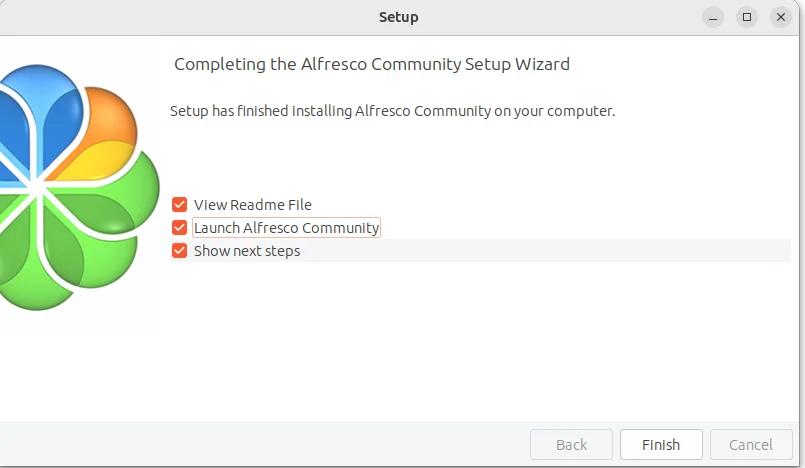
Open alfresco-community-installer. A setup wizard will open.
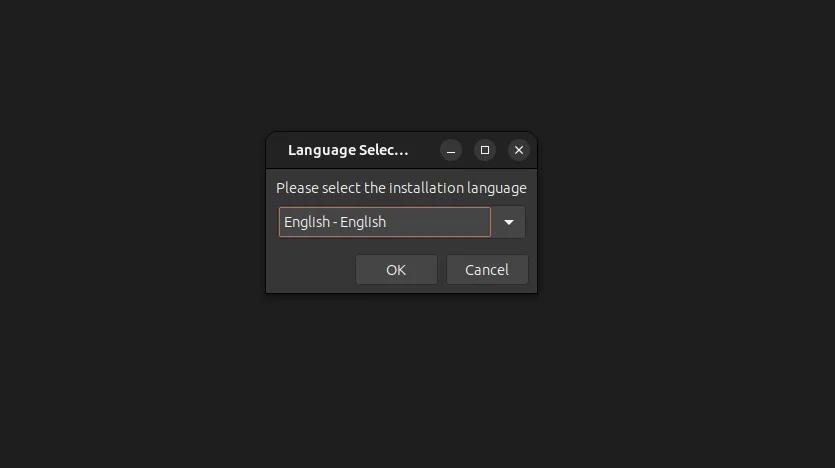
- Select language
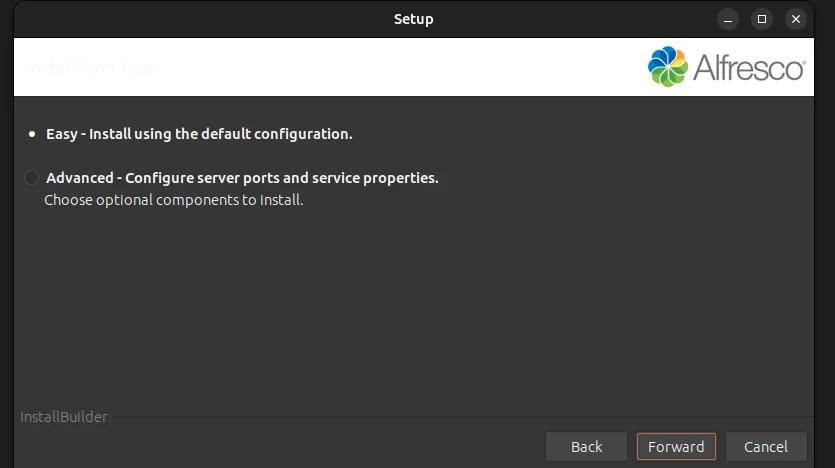
- Select the type of installation
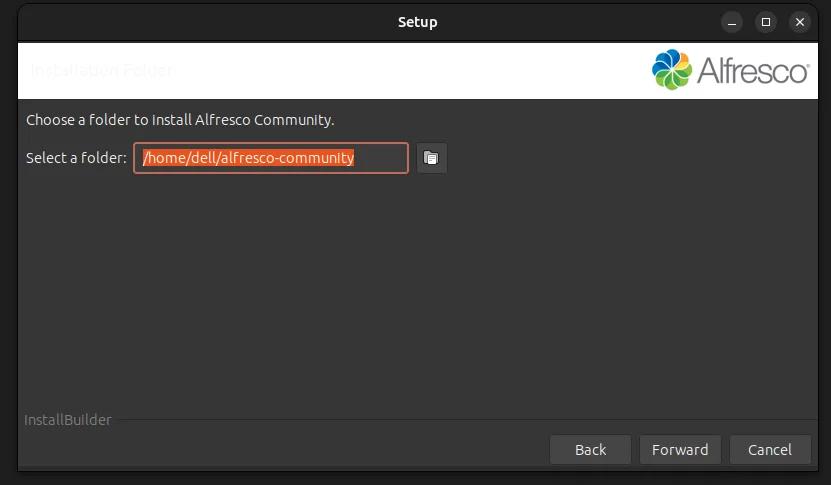
- Choose the folder for installation
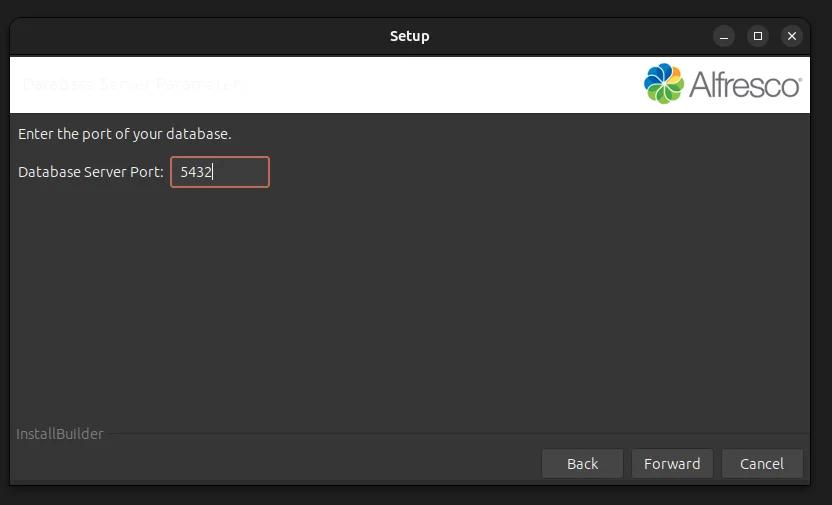
- Define the port for the PostgreSQL database
- Define Tomcat configuration parameters for Alfresco.
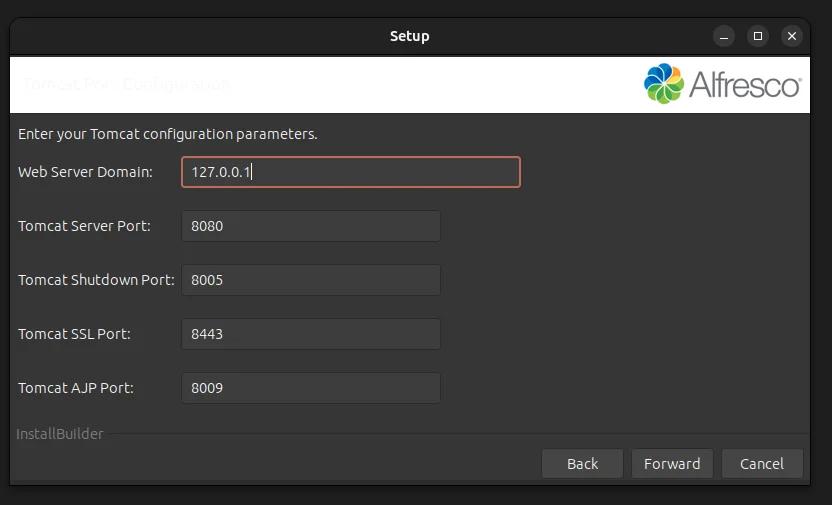
- Define LibreOffice server port.
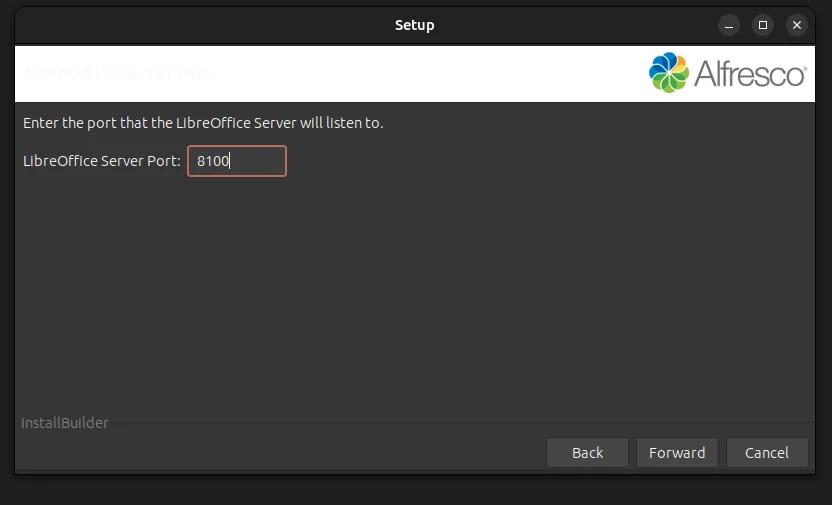
- Provide the Password for Alfresco Community
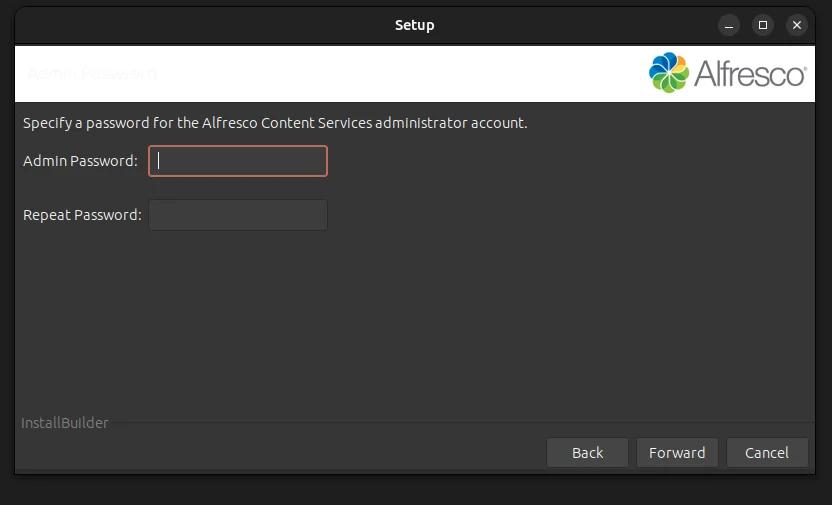
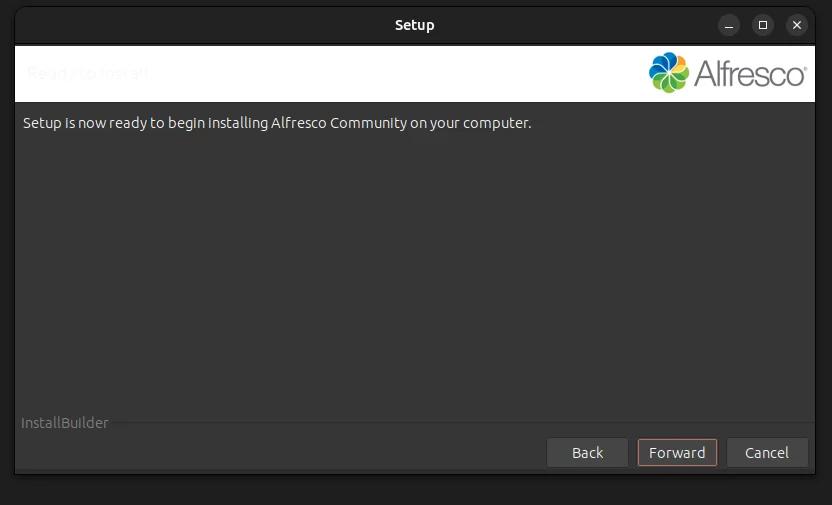
- After clicking "Forward," the installation process will begin.
- Check the launch option to launch Alfresco.
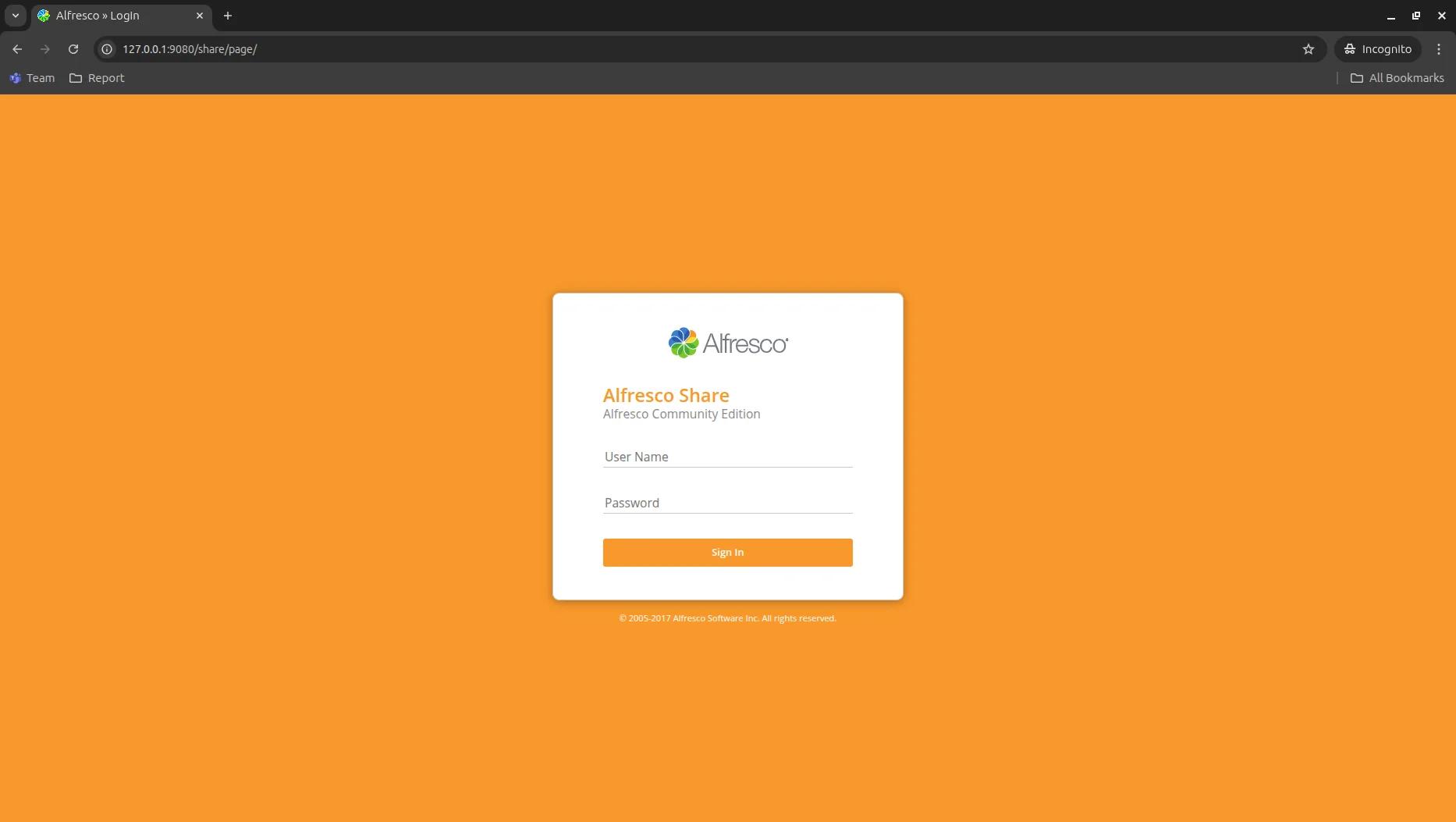
Enter User Name “admin” and your password.
Note : The default user and its password for Alfresco are 'admin' and 'entered during installation'. To make sure the 'Test Test' user of Liferay can access Alfresco, we need to create a new credential.
Steps to create an Alfresco user
- Log in to the Alfresco portal using admin.
- Navigate to the admin tool -> Tools -> users and groups.
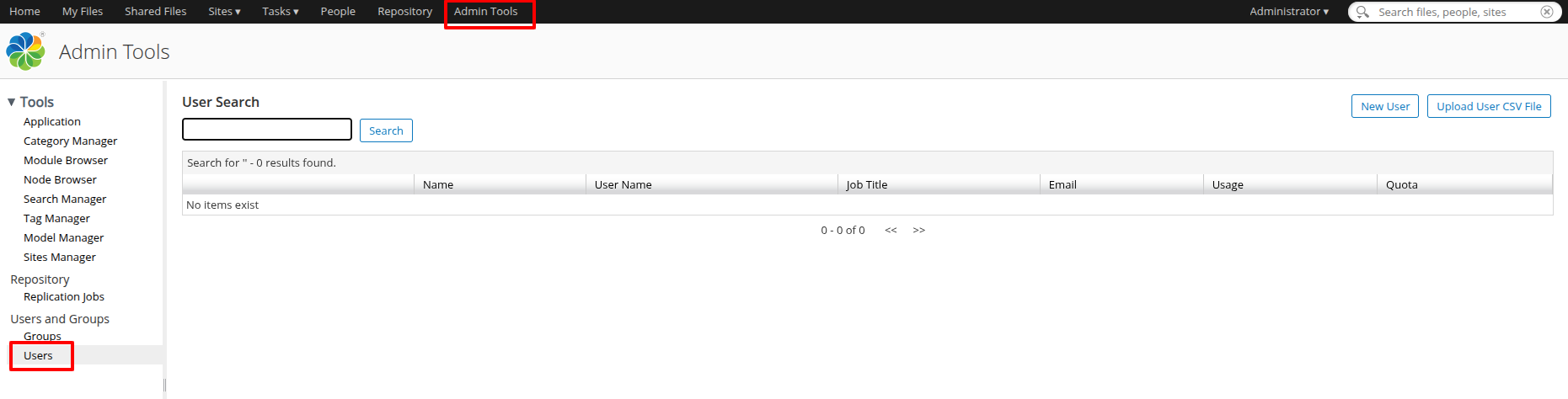
- Click New User to create a new user with the following details:-
- First Name: test
- Last Name: test
- Email: test@liferay.com
- User Name: test
- Password: test
- Verify Password: test
- Groups: ALFRESCO_ADMINISTRATORS (search for the 'ALFRESCO_ADMINISTRATORS' group and then click on 'Add' next to the search result to add it as the group for the newly created user)
- Click 'Create User' to create the 'test' user.
Add an Alfresco repository in the Documents and Media
- Add the following properties to the portal-ext.properties and restart the Liferay server.
- company.security.auth.type=screenName
- session.store.password=true
- Go to the document and media in the site menu and create a new repository.
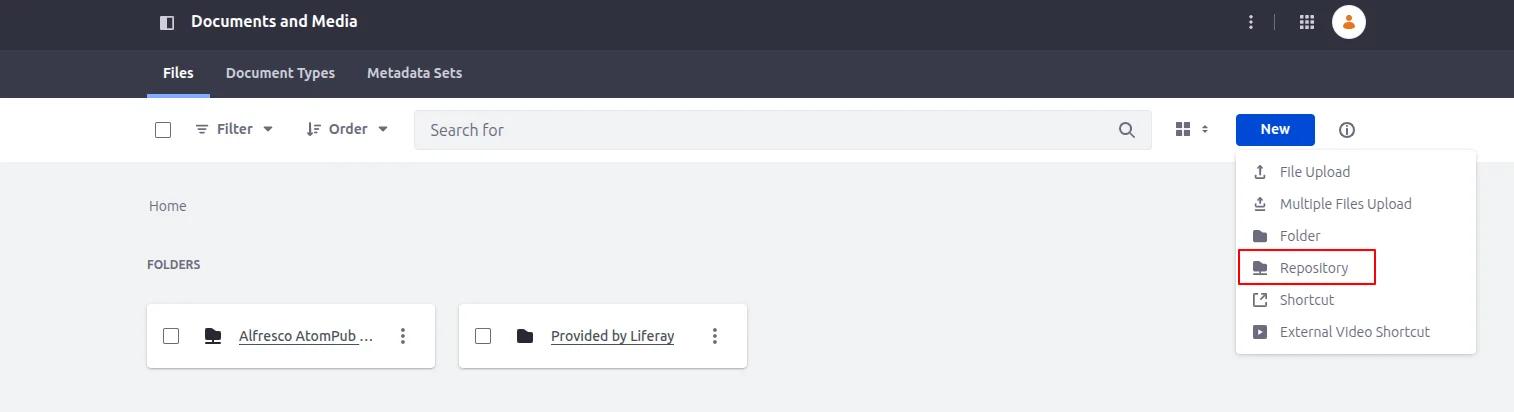
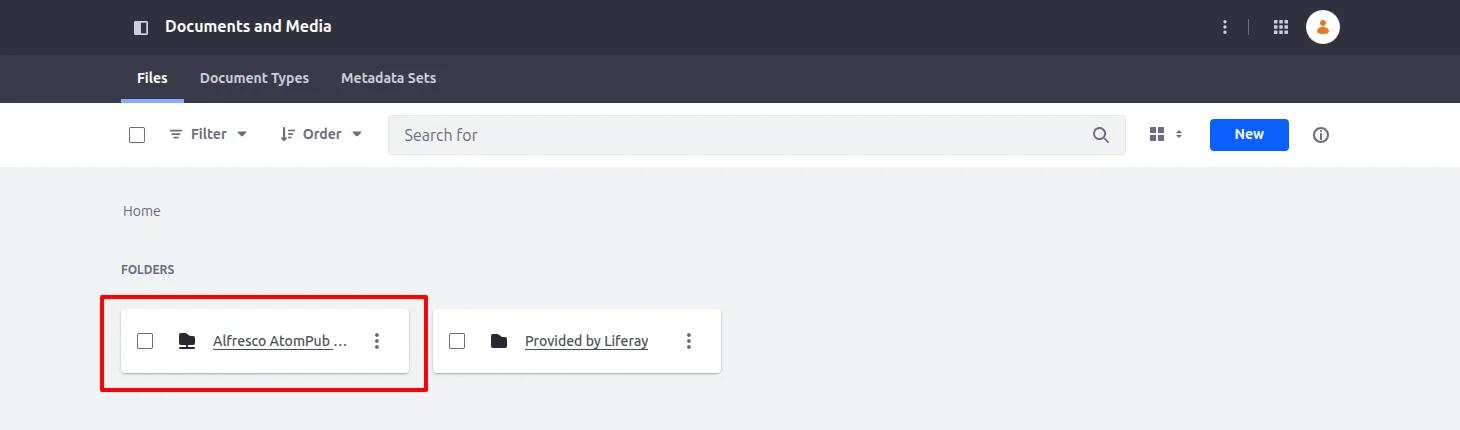
Add the new Alfresco repository as 'CMIS Repository (AtomPub).
- Name : Alfresco AtomPub Repository
- Description : Alfresco Description
- Repository Type : CMIS Repository (AtomPub)
- AtomPub:http://[IP Address of the Alfresco Server]:[port of alfresco]/alfresco/api/-default-/public/cmis/versions/1.1/atom
- Click Save to save the settings.
You can then see the newly added Alfresco repository.
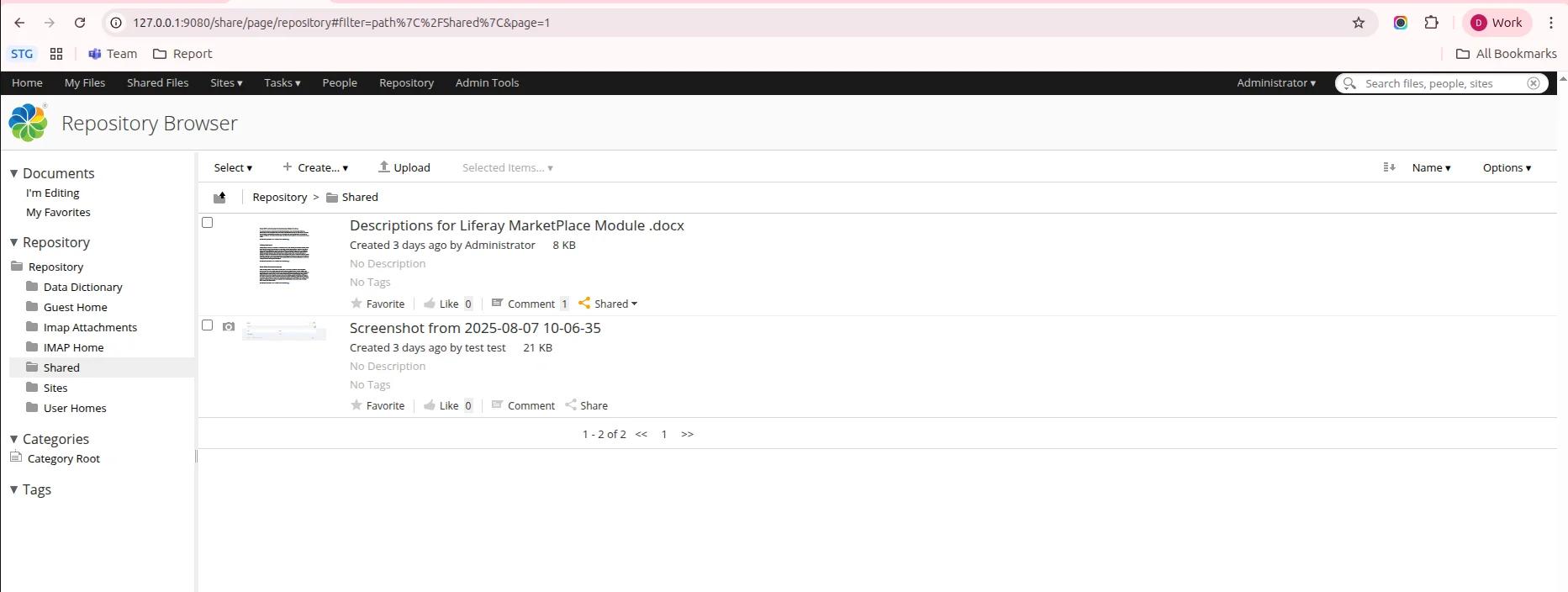
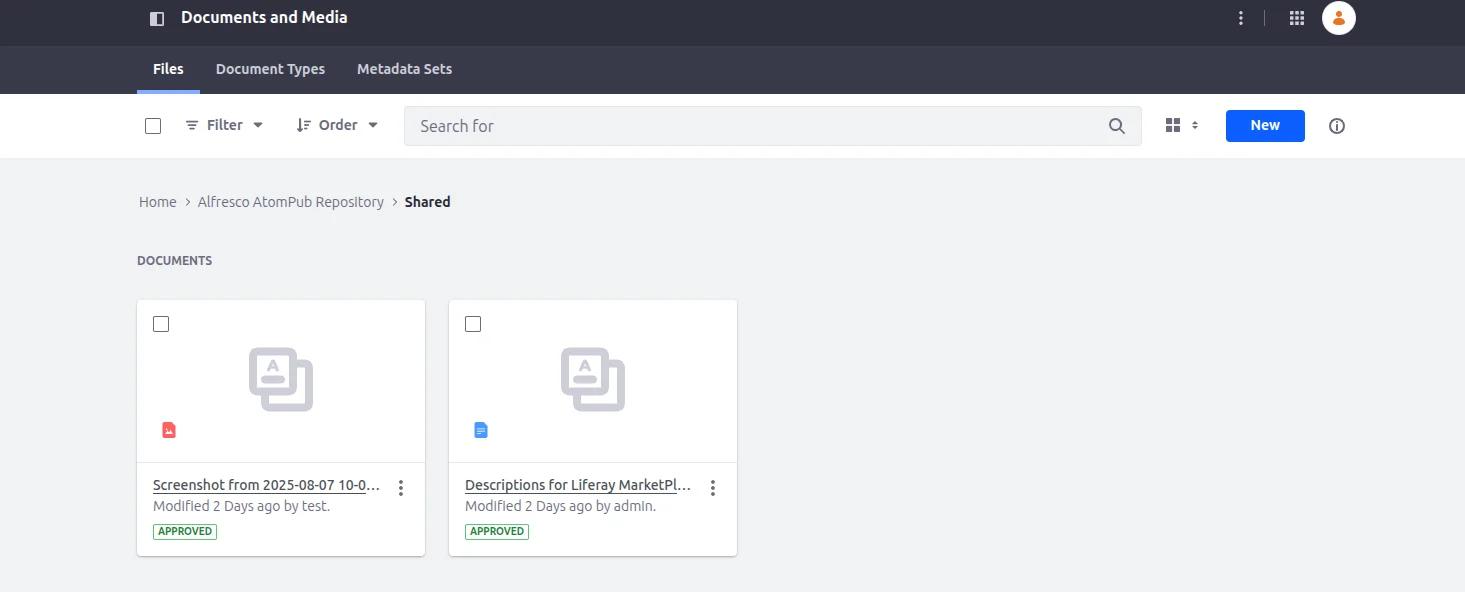
You can see the synced files of the Alfresco repository in Liferay.
Conclusion
Integrating Alfresco Community Edition with Liferay is a way to combine strong content management with a flexible enterprise portal. This creates a digital platform that is open-source. Setting it up does take some work, especially with the requirements and configuration. The benefits are worth it. Alfresco Community Edition handles secure content storage versioning and workflows well. Liferay on the hand provides a modern user interface, collaboration tools and smooth user experiences, with Alfresco Community Edition and Liferay working together. Integrating Alfresco Community Edition with Liferay offers advantages. Alfresco Community Edition and Liferay can help businesses manage content and provide a user experience.


