Creating and Using Information Templates for Liferay Object

Introduction
In Liferay, Information Templates allow you to customize how data is displayed on your site.
Use of Information Templates in Liferay
Step 1 : Create an Object
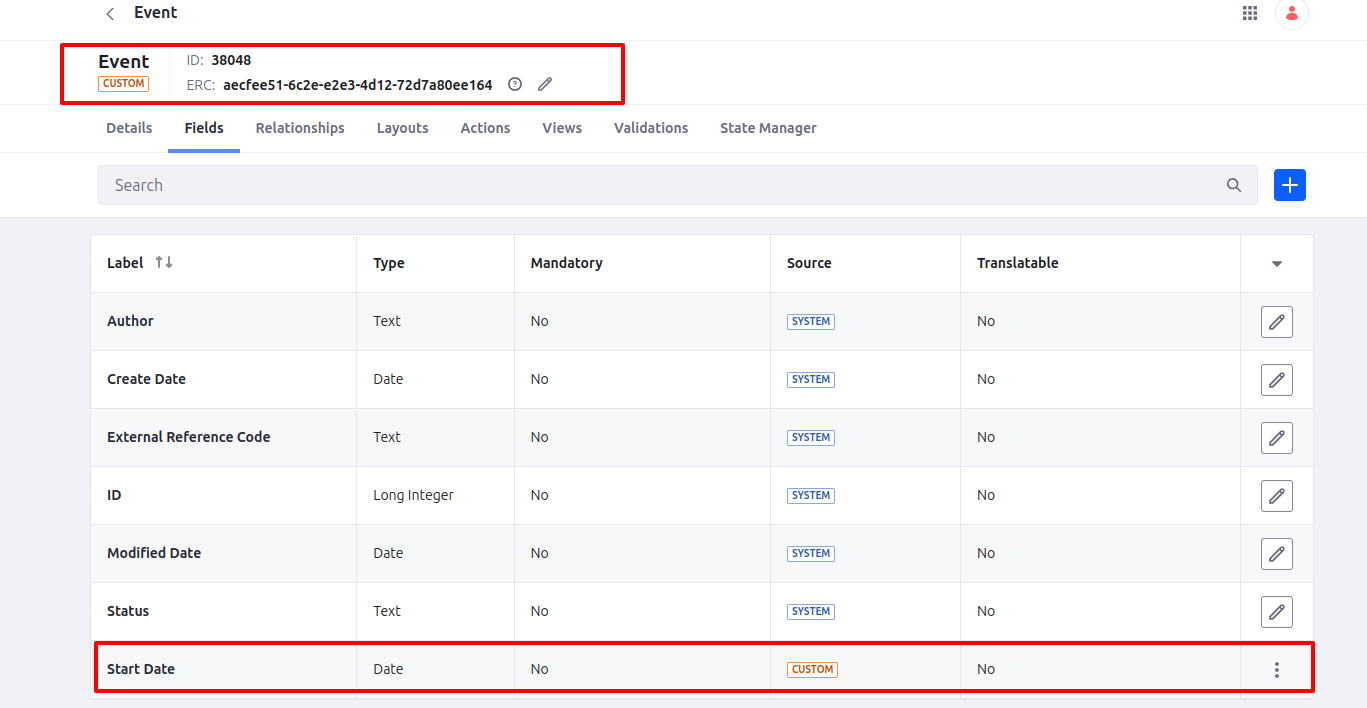
To understand how information templates are used, create an object with one field: Start Date, and select the type as a date.
Step 2 : Create Object’s Display Page Template
- Navigate to Design > Page Templates > Display Page Templates.
- Create a new display page template, select the created object (Event) in Content Type.
- Mark this display page template as default.
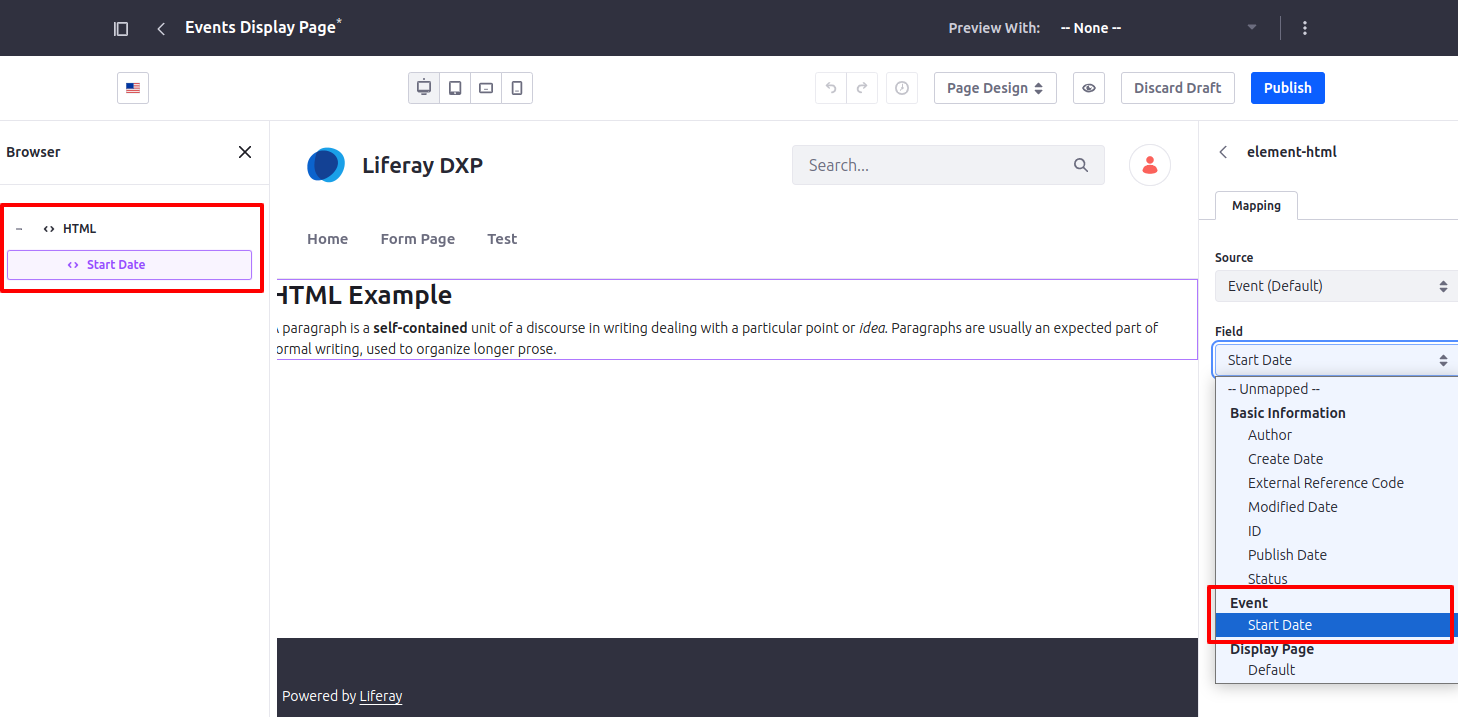
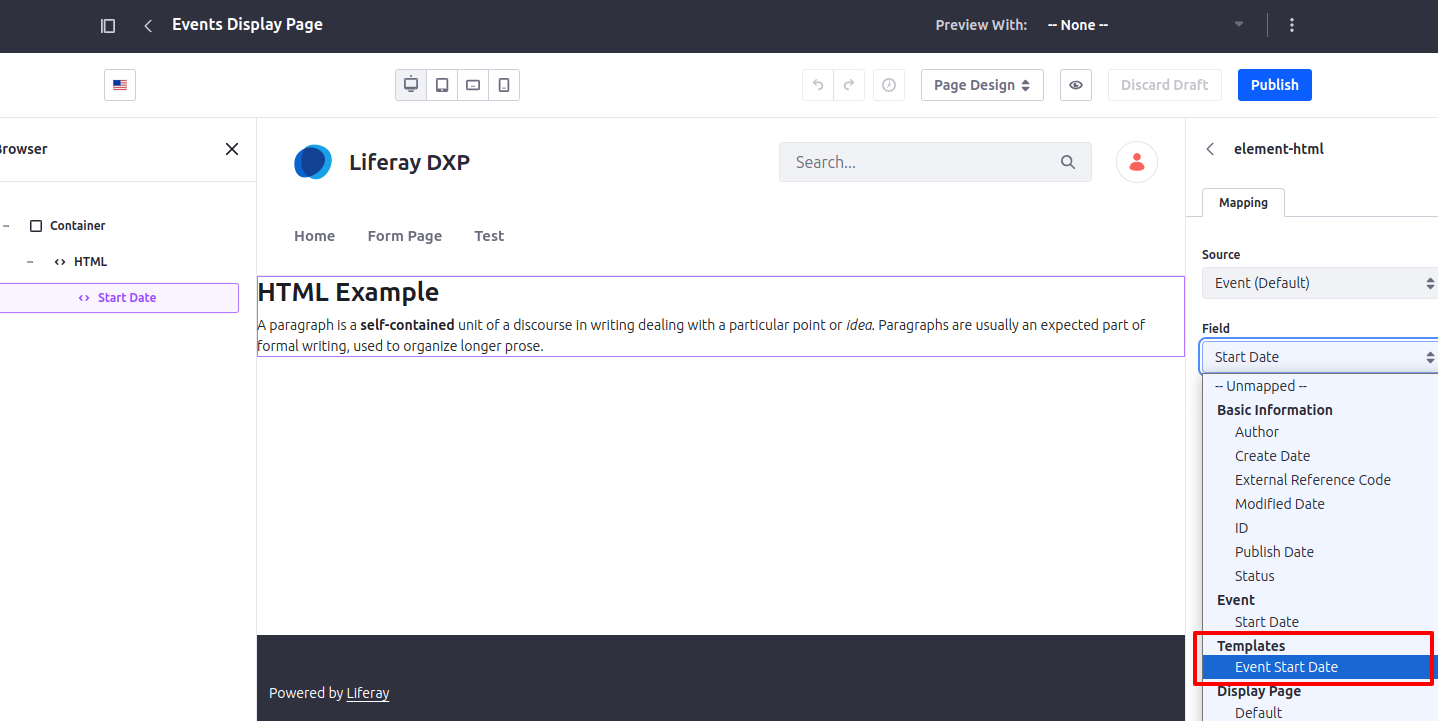
Edit the event display page template, drag and drop the HTML fragment. Here, map the Event Start Date field in the HTML fragment and publish the display page template.
Step 3 : Display Object Entries on the page
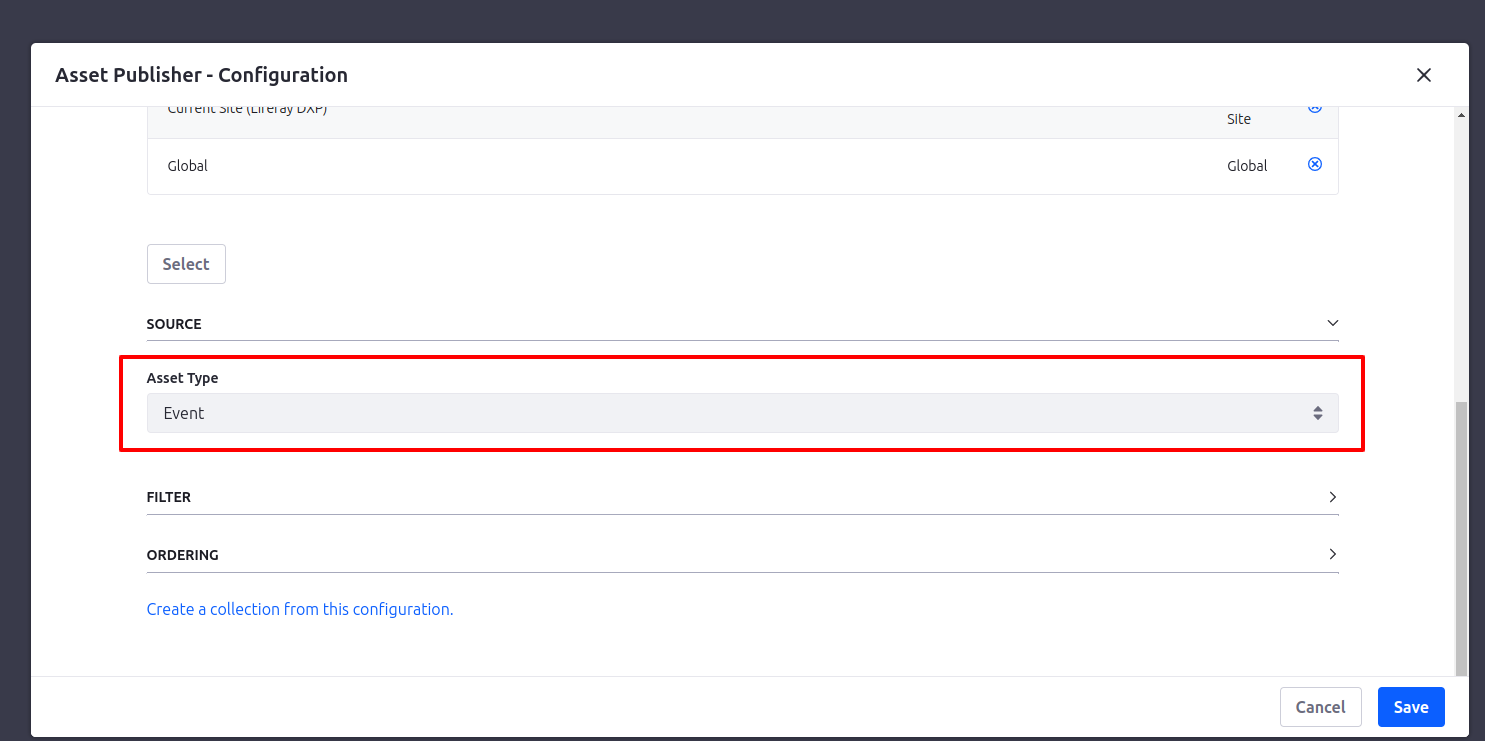
You can display all object entries by dragging the asset publisher on that page and selecting Asset Type as Object name(Event).
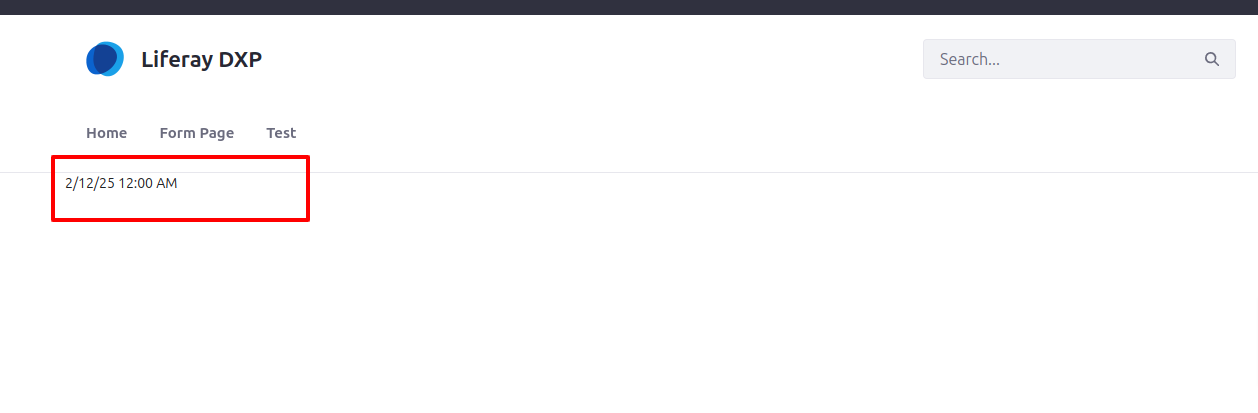
After publishing the page, when you click on a particular object entry, the date will be displayed in the format below.
Customizing the Date View with an Information Template
If you want a customized date view, you can use an Information Template.
Creating the Information Template
Follow the steps below to create an information template for an object:
Navigate to Design > Templates > Information Template.
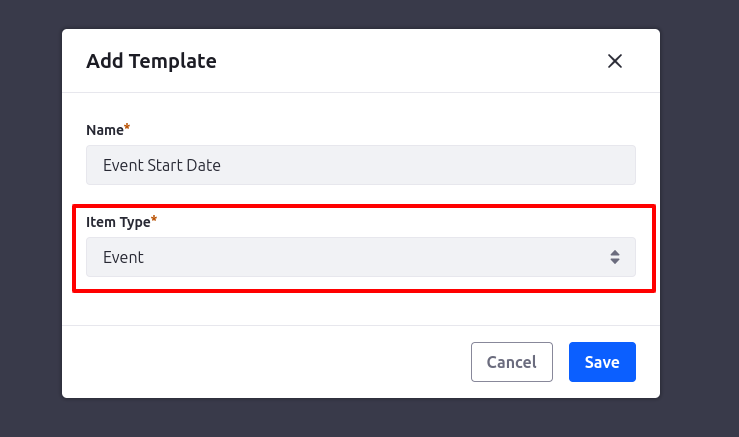
Create a new template, provide a name, and select the Event object under Item Type.
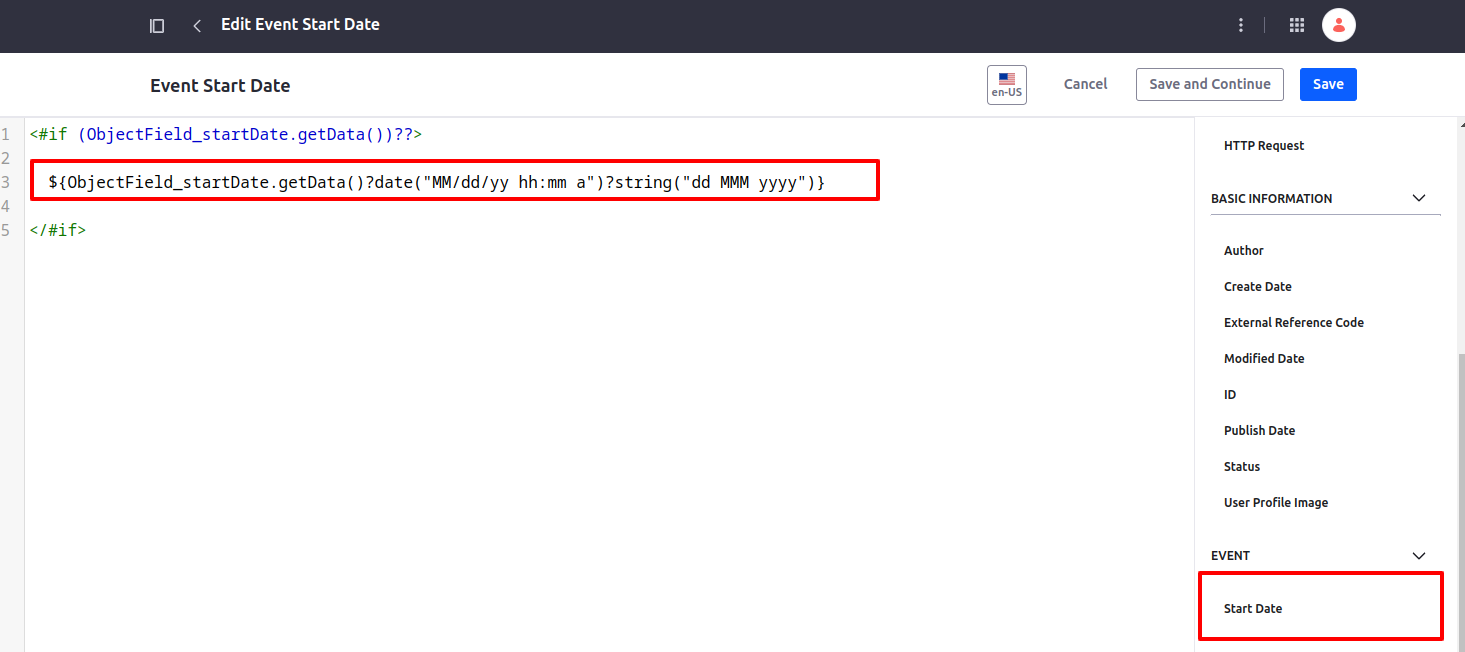
Select Event Start Date from the right-side configuration and customize the date as per your need.
Mapping the Information Template
- Edit the object’s display page template.
- Map the information template in place of the Start Date.
- Publish the updated display page template.
Now, when you go to the object entries listing page and click on any object entry, you will see the customized formatted date as shown below.
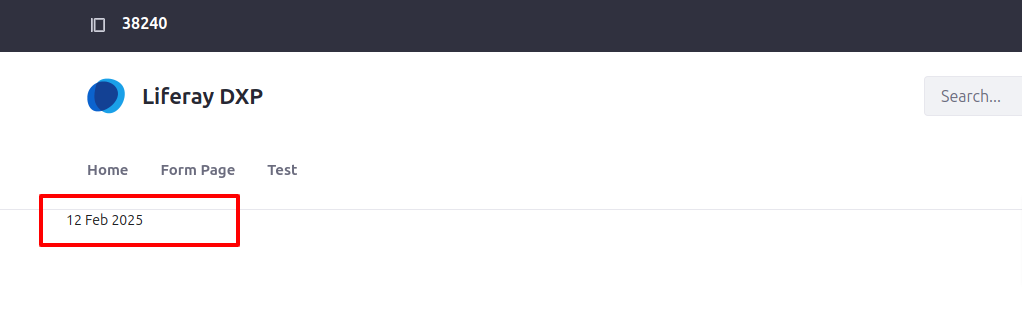
This is how you can utilize an Information Template in Liferay to create a personalized and tailored view.
Conclusion
In conclusion, Liferay’s information templates provide a powerful and flexible way to organize, display, and manage content across various item types.


