Maximising Application Efficiency through Strategic Module Interdependencies in React Typescript with Liferay

Introduction:
Efficiently managing network requests is crucial for delivering a seamless user experience in modern React applications. This guide will explore an optimized approach to handling HTTP requests using Axios interceptors and React Query. By combining these two powerful tools, we can streamline the process of making network requests and benefit from enhanced error handling, global configuration management, and the efficient caching mechanisms provided by React Query. Moreover, we can dynamically change configurations by using an Axios-Interceptor.
Installing the same dependencies into different modules of a project constitutes additional work. When you have more dependencies in your project, it often leads to an increased bundle size. This is because each dependency brings its own set of files, code, and sometimes additional dependencies. Efforts are often made to optimize bundle size, as smaller bundles can lead to faster load times and better user experiences, especially in scenarios where users may have limited bandwidth or slower network connections. Reusing or reutilizing dependencies from one module in another could offer a more efficient approach to the problem. This means organizing and using common dependencies wisely.
Prerequisites:
- Liferay 7.4
- Github
- React.js
- Typescript
Let’s start by creating two modules in React TypeScript with Liferay:
- common_module
- Test_module
For a comprehensive guide on setting up TypeScript and React with Liferay, check out this informative blog: Typescript and React with Liferay.
Implementation of the common_module:
To demonstrate the concept, we'll use the Material-UI library. Start by installing it
1npm install @mui/material 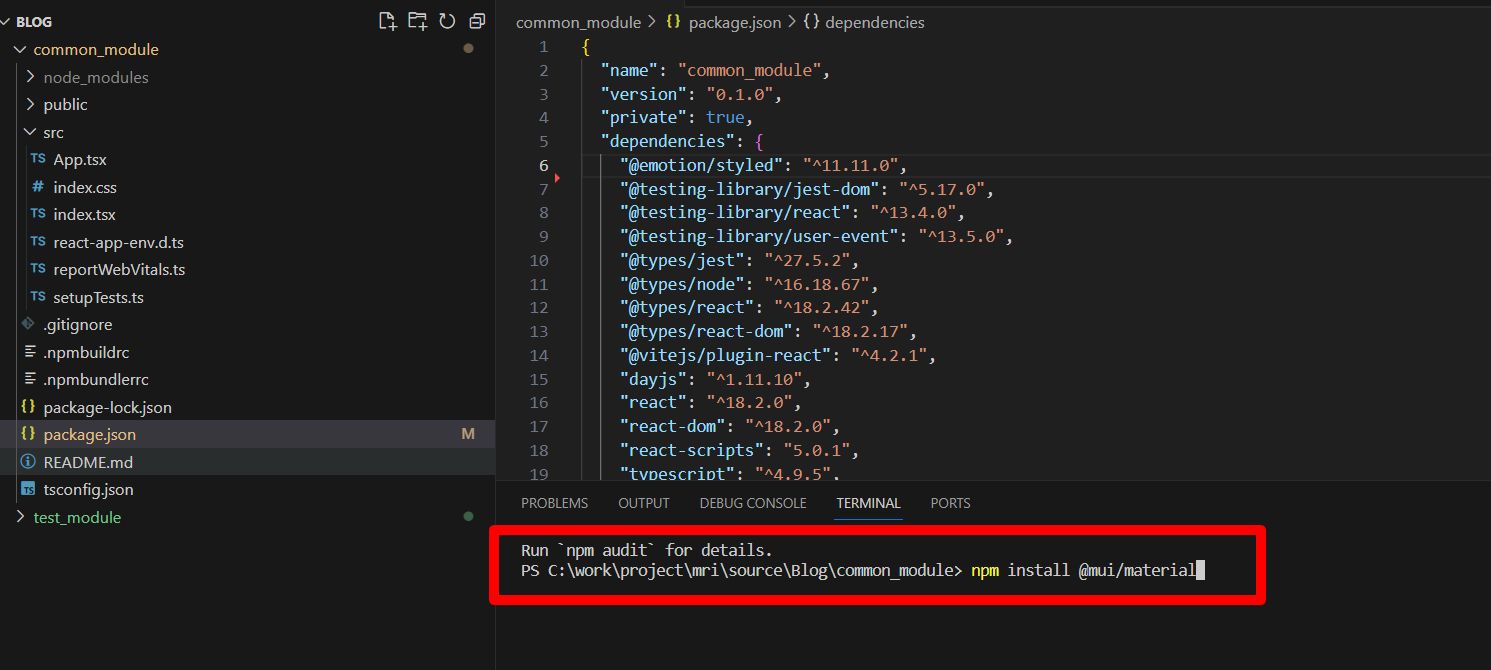
- Create a git repository for your common_module.
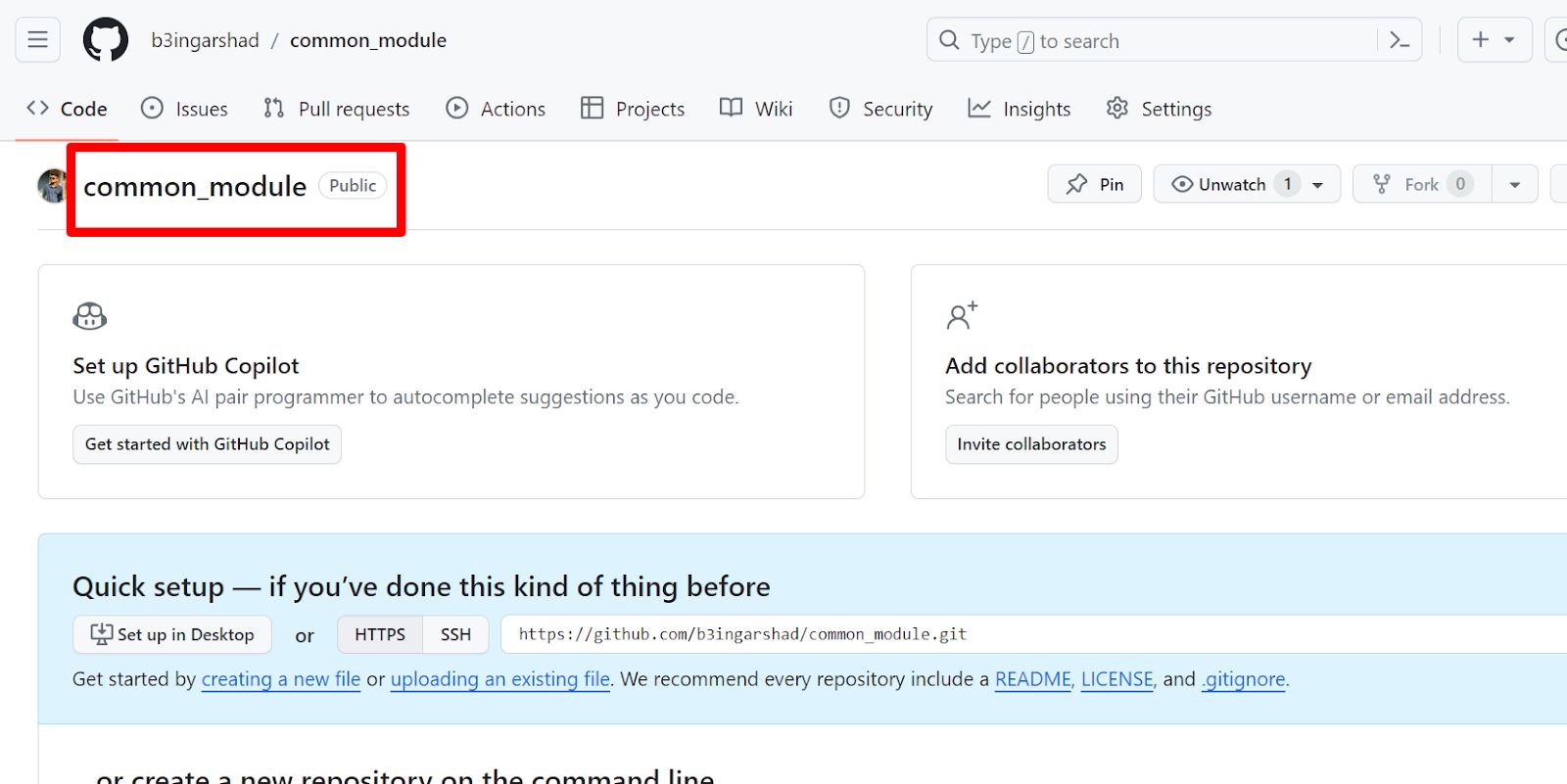
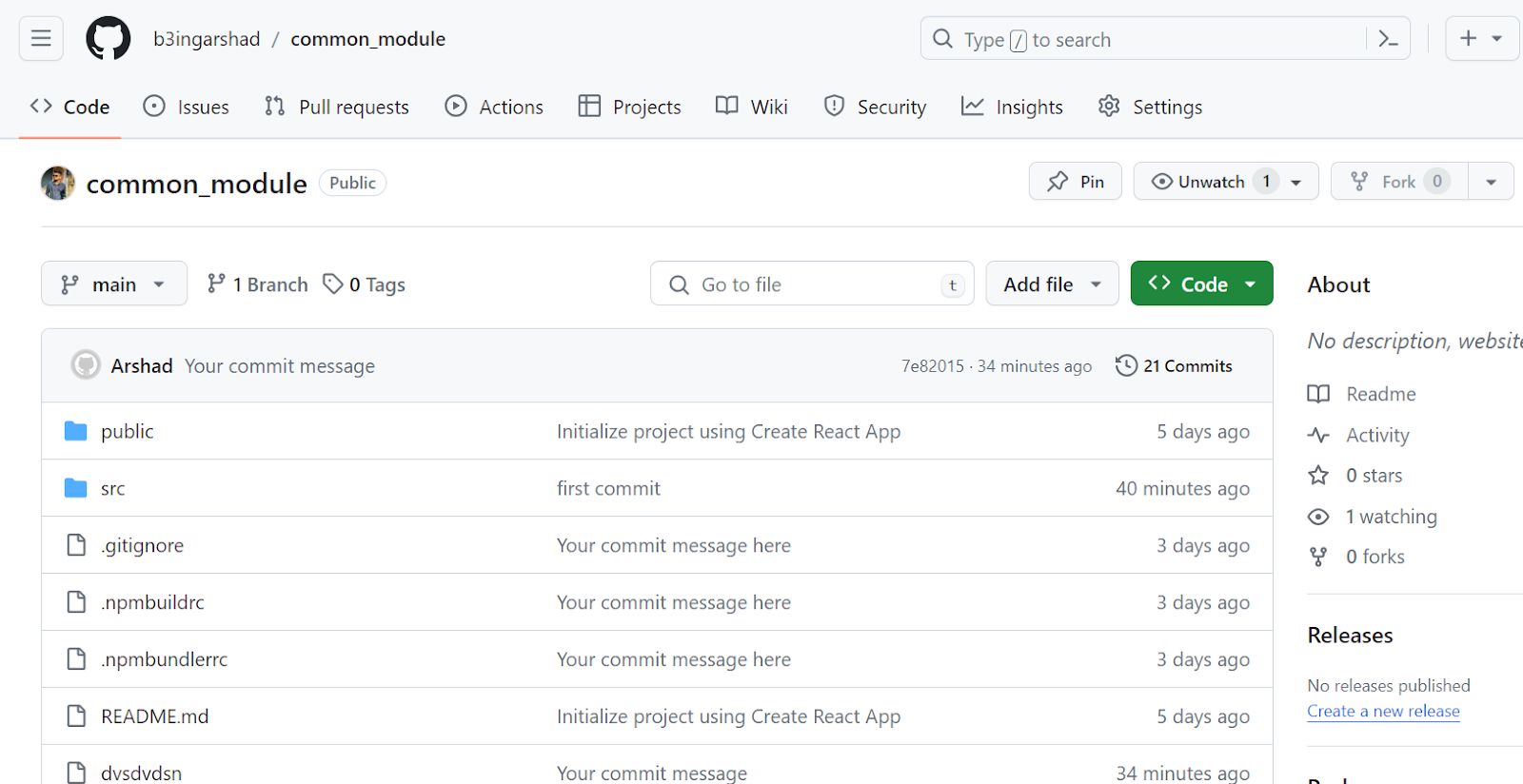
2. Now commit your code.
3. Update the package.json file with the repository link. Write down the below code package.json file:
1  "repository": {
2    "type": "git",
3    "url": "https://github.com/b3ingarshad/common_module.git"
4  },
5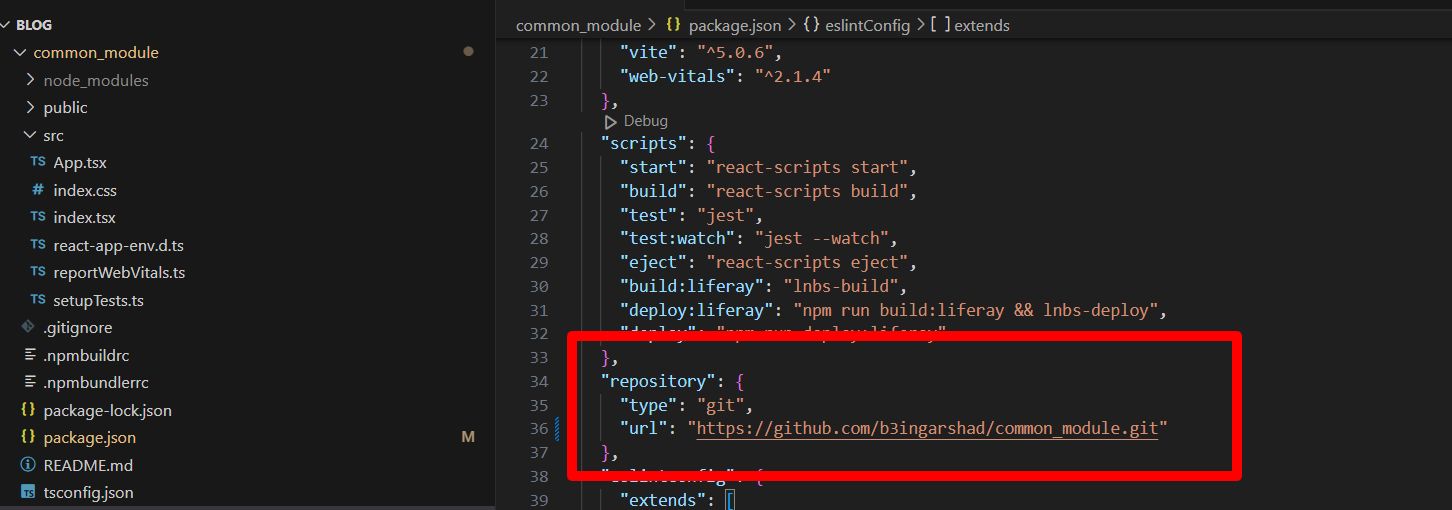
Implementation of the common_module:
- Add two dependencies in package.json file:
1 "common_module": "https://github.com/b3ingarshad/common_module.git",
2 "react-scripts": "5.0.1"
3
2. Install all packages by running the below command:
1npm i --force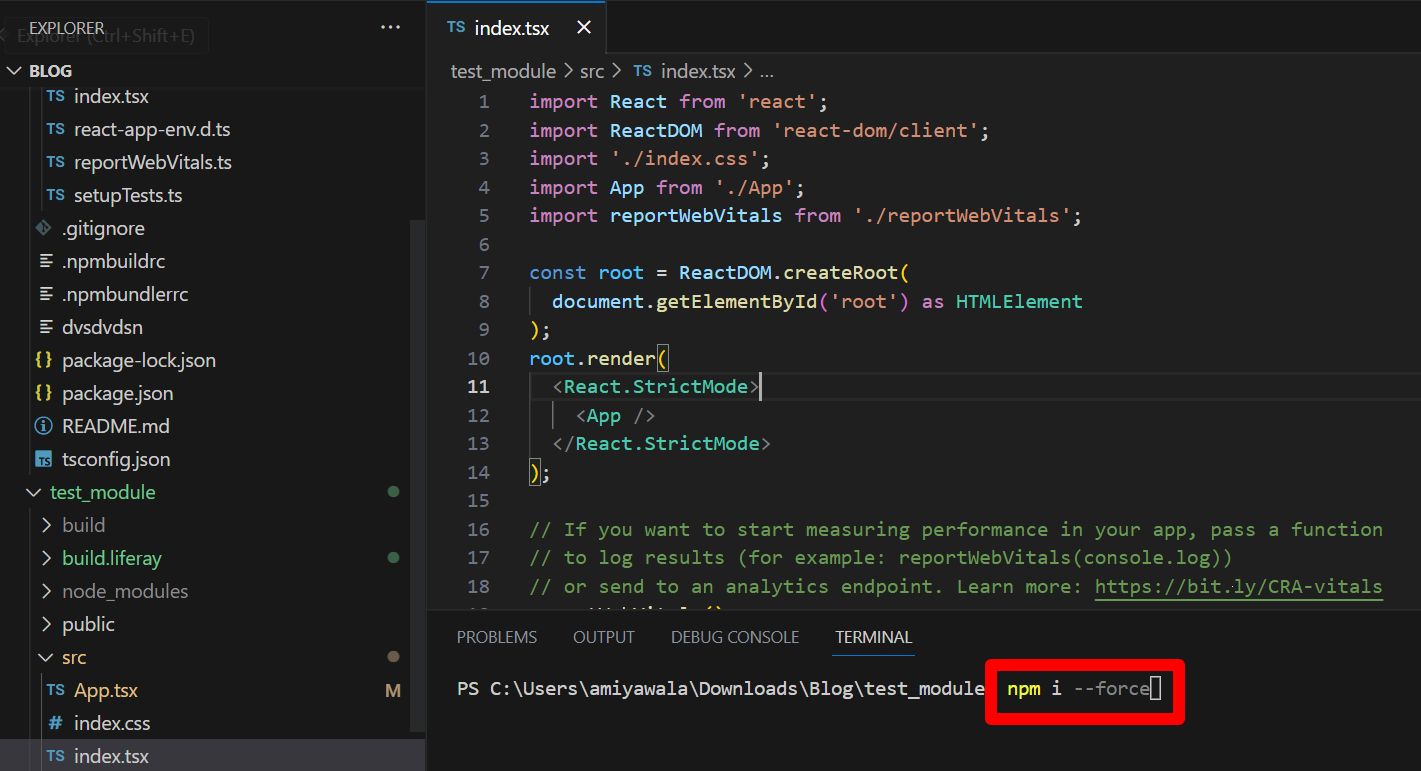
3. Use material UI component.
1import Stack from "@mui/material/Stack";
2import Button from "@mui/material/Button";
3
4function App() {
5  return (
6    <Stack spacing={2} direction="row">
7      <Button variant="text">Text</Button>
8      <Button variant="contained">Contained</Button>
9      <Button variant="outlined">Outlined</Button>
10    </Stack>
11  );
12}
13
14export default App;
15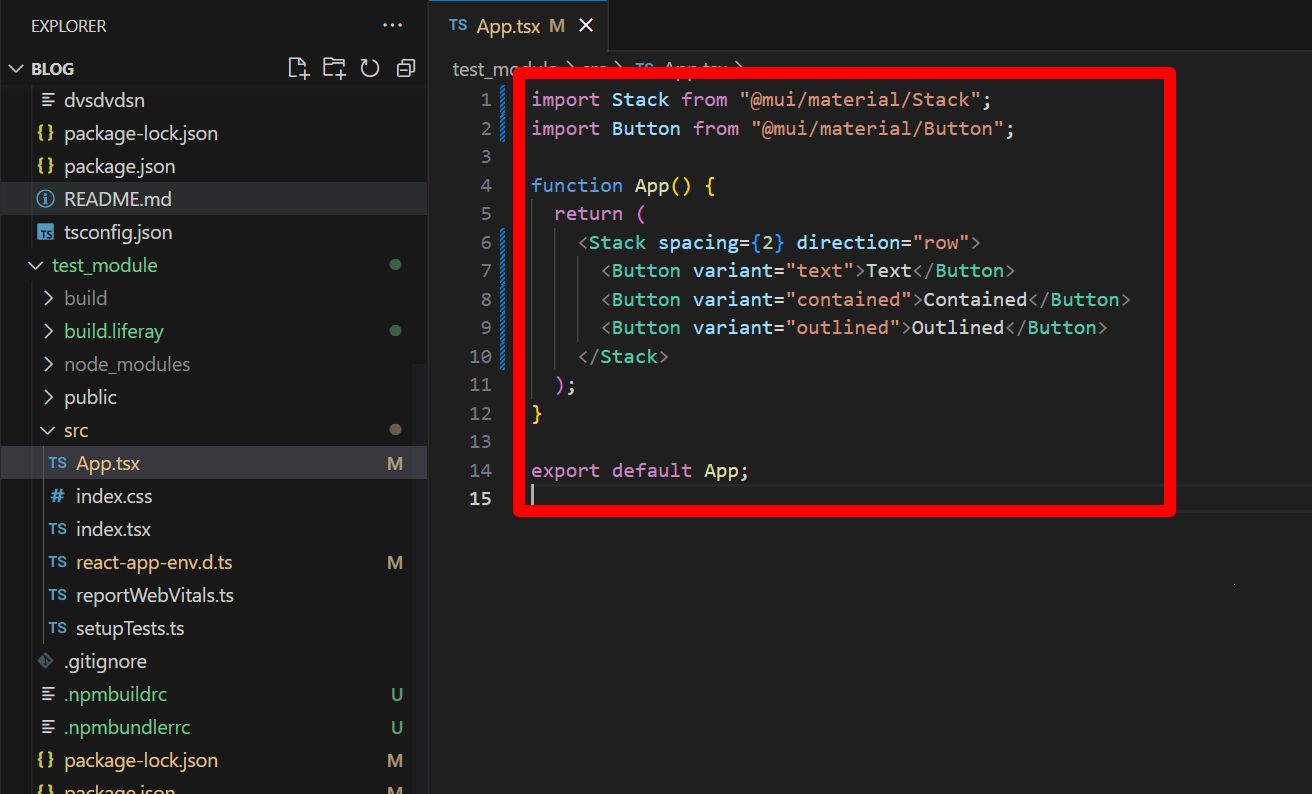
4. Deploy test_module
1npm run deploy5. Now drag and drop test_module and publish.
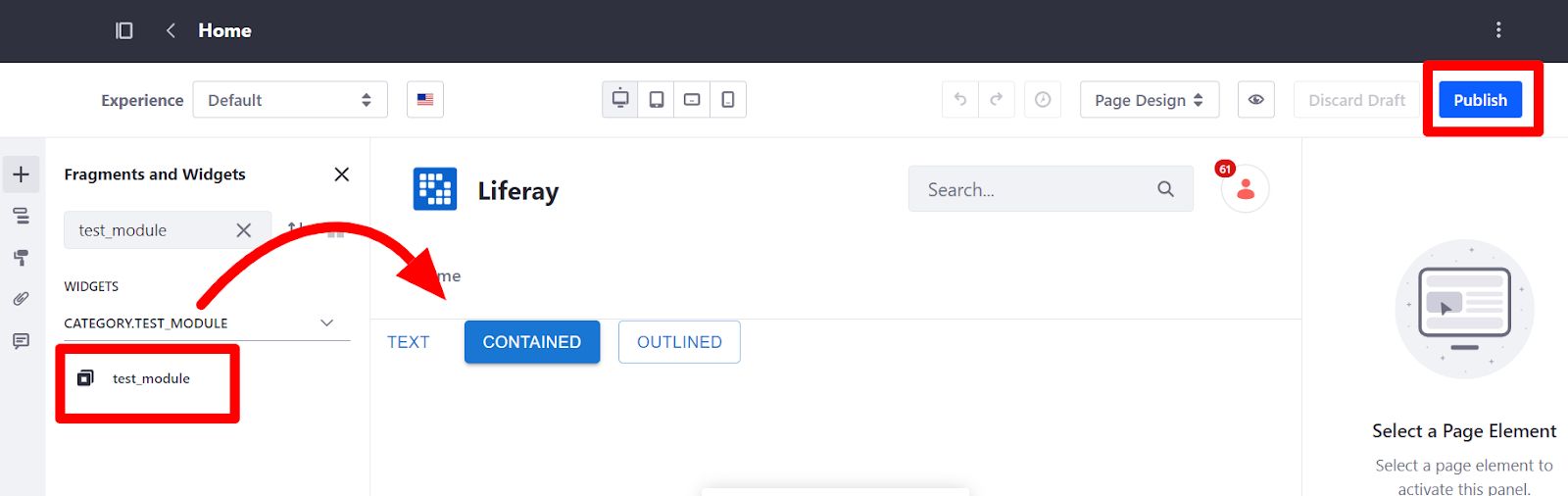
- Whenever you install any dependencies in the common_module module, follow the below steps:
- In the common_module_web module’s terminal.
1Commit the code to the respective repository.- In the test_module’s terminal.
1npm update common_module_web
2npm run deploy
3
Services Our ReactJS Development Team offers:
- Explore our ReactJS Enterprise Application Development services. Build scalable, efficient apps with ReactJS. Master state management, component-based architecture, and UI design. Accelerate your development process and create robust enterprise solutions. Start building better web applications today!
- Unlock the potential of ReactJS with our Custom Application Development service. Tailored solutions for your unique needs. Expertise in building responsive, high-performance web apps. Let’s bring your vision to life with ReactJS.
- Discover the power of ReactJS Application Architecture. Streamline development with scalable, efficient structures. Master component-based design and state management for robust, flexible apps. Elevate your coding game with ReactJS architecture!
- Ensure smooth operation with the ReactJS Maintenance and Support service. Keep your app running at peak performance with timely updates and fixes. Our dedicated team is here to provide reliable assistance whenever you need it!


